
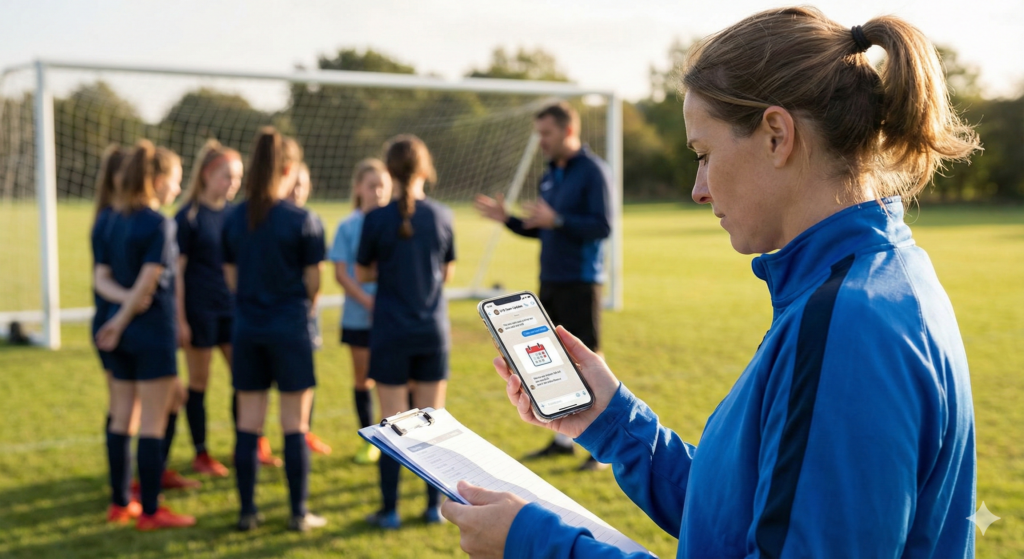
Module 4: Mobile Apps and Communication Tools addresses the logistical backbone of modern coaching. While strategy and physical training are visible on the field, the “silent killer” of team performance is often poor organization and miscommunication. This module shifts the perspective of the smartphone from a distraction to a “portable coach’s toolbox.” By following the narrative of “Coach Sarah,” the training demonstrates how adopting simple digital tools can recover lost time, streamline logistics, and create a cohesive team environment that extends beyond the pitch.
The module is structured to guide the learner through the lifecycle of digital organization, identifying specific efficiency gains at each stage:
1. The Scenario: The Chaos of Disconnection
The story begins with Coach Sarah, a dedicated tactical coach who struggles with the administrative burden of her role. She relies on a mix of text messages, emails, and paper schedules.
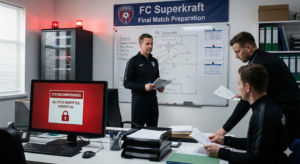
- The Trigger: A sudden thunderstorm renders their usual practice field unusable two hours before the session.
- The Reaction: Sarah frantically tries to contact parents and players. She sends emails (which aren’t seen in time) and makes individual phone calls.
- The Fallout: Half the team shows up at the muddy field; the other half stays home. The session is ruined, not by a lack of coaching skill, but by a failure of communication infrastructure.
2. The Application: The Pocket Command Center
Determined to fix this, Sarah adopts the Novice and Intermediate strategies from the FutureCoach curriculum. She moves the team to a dedicated management app and establishes a “Digital Bulletin Board.”
- The Action: She sets up a centralized calendar and a secure group chat. When the next schedule change occurs, she sends a single “Push Notification” with a read-receipt request.
- The Integration: She takes it a step further (Intermediate Level) by using the app’s survey feature. Before practice, players click a button to report their attendance and rate their physical status (e.g., “Soreness Level”).
- The Reality: Sarah now carries her “team’s playbook and schedule in her pocket.” She reviews the attendance and health check-ins on her phone while walking to the field.
3. The Outcome: Operational Agility
The consequences of this digital adoption are stability and focus.
- Instant Alignment: Everyone receives the update instantly. No one misses practice. The mental energy Sarah used to waste on logistics is now spent on planning drills.
- Granular Insight: By using the app to log workouts and attendance, Sarah spots a pattern: attendance drops on Thursday nights. She adjusts the schedule based on this data.
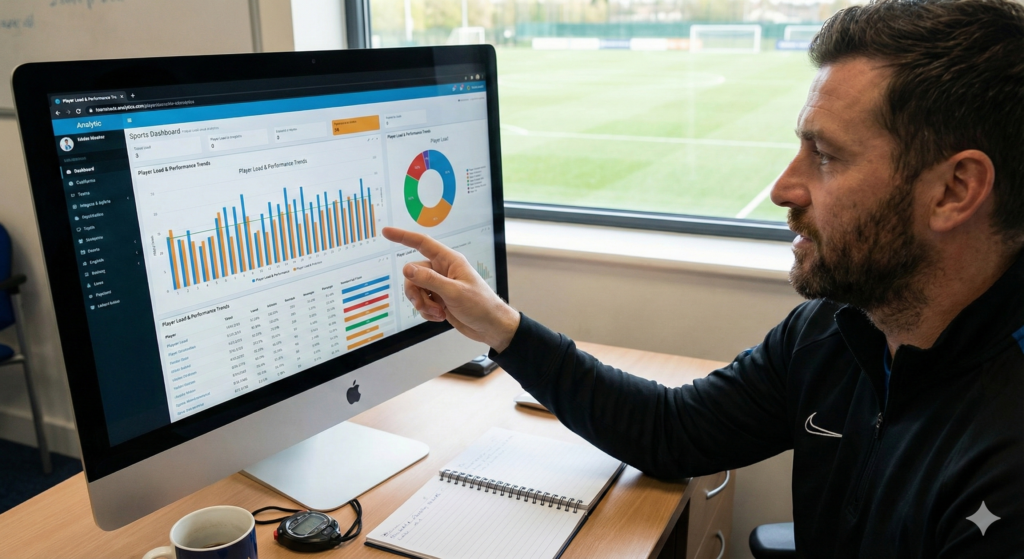
- Elite Connectivity: As the system matures, she sees the Elite potential—a centralized dashboard where performance data, video clips, and medical reports flow in real-time, allowing support staff to collaborate instantly on player recovery.
Why This Matters
This module goes beyond convenience to analyze why Coherence is a performance metric. It emphasizes that apps and communication tools are there to streamline your job, not complicate it. As FUTURECOACH findings highlight, being organized on mobile prevents the friction that causes player disengagement. Whether it is a novice coach ensuring parents know the field location, or an elite manager sending a personalized video workout based on live analytics, the goal is the same: to turn fragmented communication into a streamlined system. This agility allows the coach to be present where it matters most—with the athletes.
Comprehensive Implementation Checklist
To prevent the common challenge of “Tech Overload,” participants are provided with an actionable checklist to establish clear digital communication.
Step 1: Unify the Platform (The Novice Foundation)
- Choose One Channel: Do not split communication between email, text, and WhatsApp. Select one platform (e.g., a Team App or dedicated Group Chat) and stick to it.
- The Digital Bulletin Board: Ensure the calendar is digital and accessible to everyone. If a change happens, update it in one place only.
Step 2: Establish Digital Hygiene (The Boundaries)
- Set the Rules: Define when messages can be sent. Avoid “notification fatigue” by prohibiting non-urgent messages late at night.
- Focus on Essentials: Keep updates brief and relevant—practice times, drill reminders, and quick motivational notes. Don’t clutter the feed.
Step 3: Integrate and Automate (The Intermediate Shift)
- Automate Attendance: Use an app that allows players to mark themselves as “In” or “Out.” Stop chasing people for answers.
- Two-Way Feedback: Use surveys or polls to gather data (e.g., “How hard was today’s session?”). Let the app collect the data so you can view the trends later.
Step 4: Secure the Flow (The Elite Standard)
- Privacy First: Ensure your chosen platform has privacy controls. Medical data or personal grievances should never be in a public group chat.
- Centralize Data: Aim for a system where the calendar, communication, and basic performance logs live in the same ecosystem to reduce app-switching.
By mastering these steps, coaches ensure that their technology works for them, keeping the team connected, informed, and ready to perform.